

Verified
means real
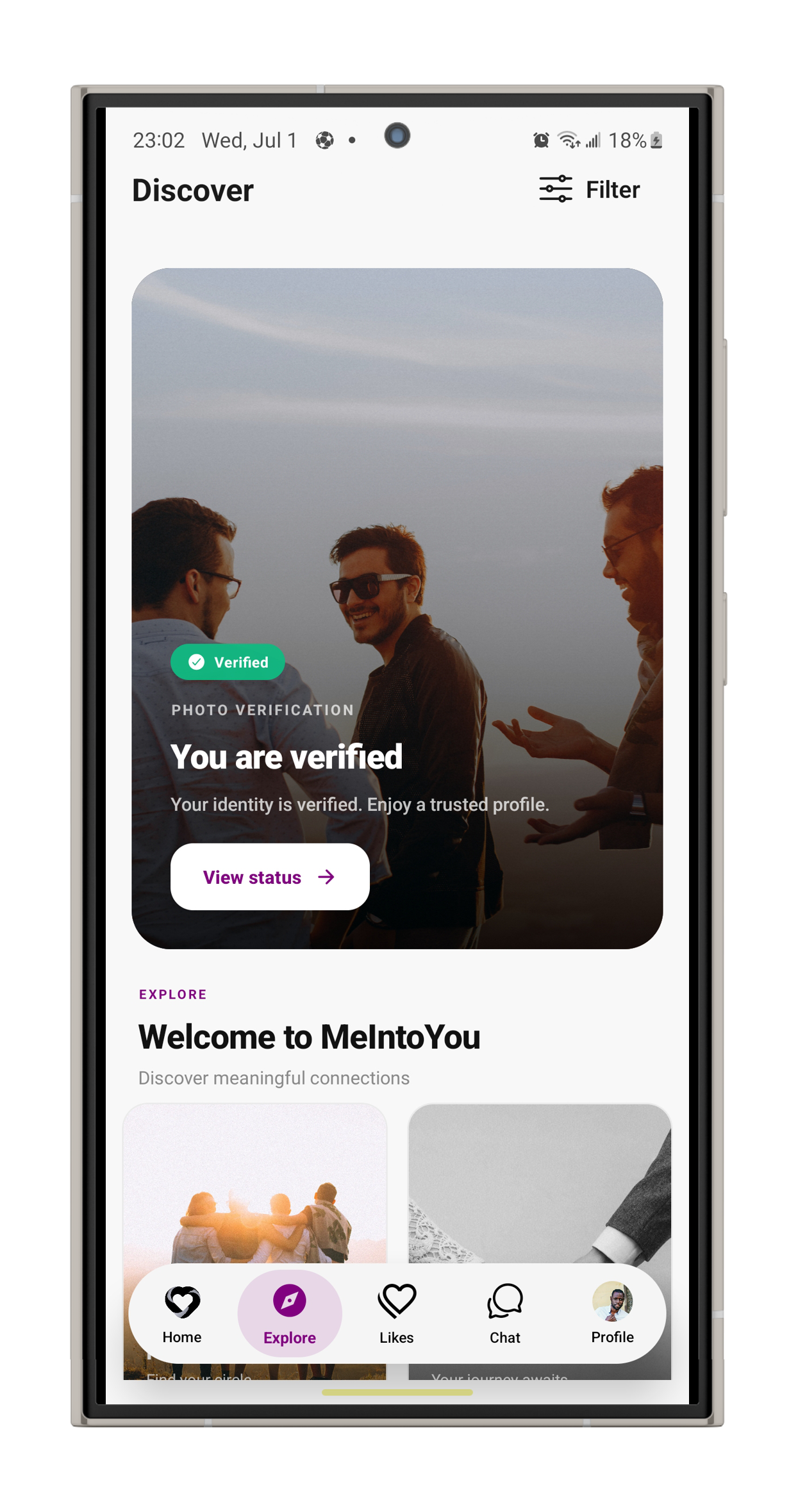
The Verified badge means a person on our team watched a short selfie video and confirmed it matches the photos on the profile. No bots, no guesswork.
Three steps to the badge
No documents to scan and nothing to print. Just you, on camera, for a moment.
- 1
Record a short selfie video
Start verification in the app and follow the on-screen prompts. A short video of your face is all it takes.
- 2
A person reviews it
Your status shows as Pending while someone on our team compares the video with the photos on your profile.
- 3
Your badge goes live
Once approved, the Verified badge appears on your profile and we email you. If it is not approved, the email tells you why, so you can try again.
What the badge tells you
A badge is only useful if you know exactly what it checks. Here it is, plainly.
- A person on our team matched the face in a live video to the profile photos.
- The account belongs to someone real, not a bot or a borrowed photo set.
- The call was made by a human reviewer, not an automated check.
- It is not a background or criminal record check.
- It does not tell you someone’s intentions — conversations still do that.
- It is not a reason to skip the basics: meet in public and tell a friend.
Where you will see it
On Discover cards
Verified shows in the corner of a card, before you decide to like.
Next to their name
On a full profile, the badge sits right beside the name and age.
On your own profile
Check your status anytime — unverified, pending, or verified.
Questions about verification
Is verification required?
No. You can use MeIntoYou without it. Verified profiles stand out, though — your matches can see at a glance that you are the person in your photos.
What happens to my verification video?
It is used only to review your badge. It is never shown on your profile or to other members.
How long does a review take?
Reviews are done by people, in the order they come in. You will get an email as soon as a decision is made, and your status in the app updates at the same time.
What if my verification is not approved?
The email explains why — for example, the video was too dark, or the face did not clearly match the profile photos. Fix that and submit again in the app.
Does verification cost anything?
In some regions a one-time verification fee may apply. If it does, the app tells you before you submit.
Be someone people can trust
Get the app, open your profile, and start verification. It takes a moment.